KDA Firestarter Dance AI

Your photo

Kai'Sa Vogue: FIRESTARTER

16:9 MP4 · 720p · 12 seconds · with the song

JPG, PNG or WEBP · One person · Full body works best · Photos auto-deleted after 24 hours

KDA Firestarter Dance AI

How it works

  1. 1

    Upload a photo

    One clear photo of one person. Full body works best.

  2. 2

    Click Generate

    We build your character, then render the dance.

  3. 3

    Download your dance

    Get a 16:9 MP4 to share anywhere.

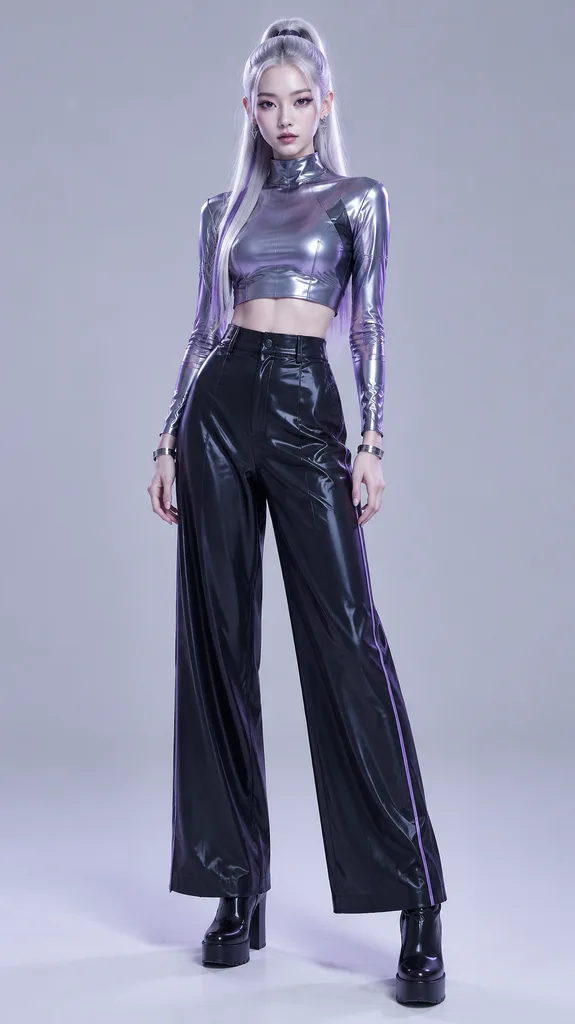
Concept illustration of a dancer with a silver ponytail striking a vogue pose in glowing thermal-camera colors against a purple starfield

KDA Firestarter Dance AI: Turn One Photo Into Kai'Sa's Vogue Dance

Saw the K/DA FIRESTARTER dance trend on your For You page and want your own version? Upload one photo and our AI turns it into a 16:9 dance video of Kai'Sa's vogue moves. No practice or editing needed.

From $9.90 · Tax included · No subscription
Real KDA Firestarter Dance AI Examples

What you get

  • A 16:9 MP4 (720p, with the FIRESTARTER song) you can post as is or crop to vertical for TikTok, Instagram Reels and YouTube Shorts
  • Your photo performing the vogue-style poses from the FIRESTARTER choreography
  • The FIRESTARTER song from the music video, already lined up with the moves

Where AI dance still struggles

Fast hands can blur, busy backgrounds can warp, and loose sleeves may move unnaturally. A clear, well-lit photo avoids most of this.

Try It With My Photo

How to Make a KDA Firestarter Dance AI Video

Want to make your photo dance? Here's the whole process:

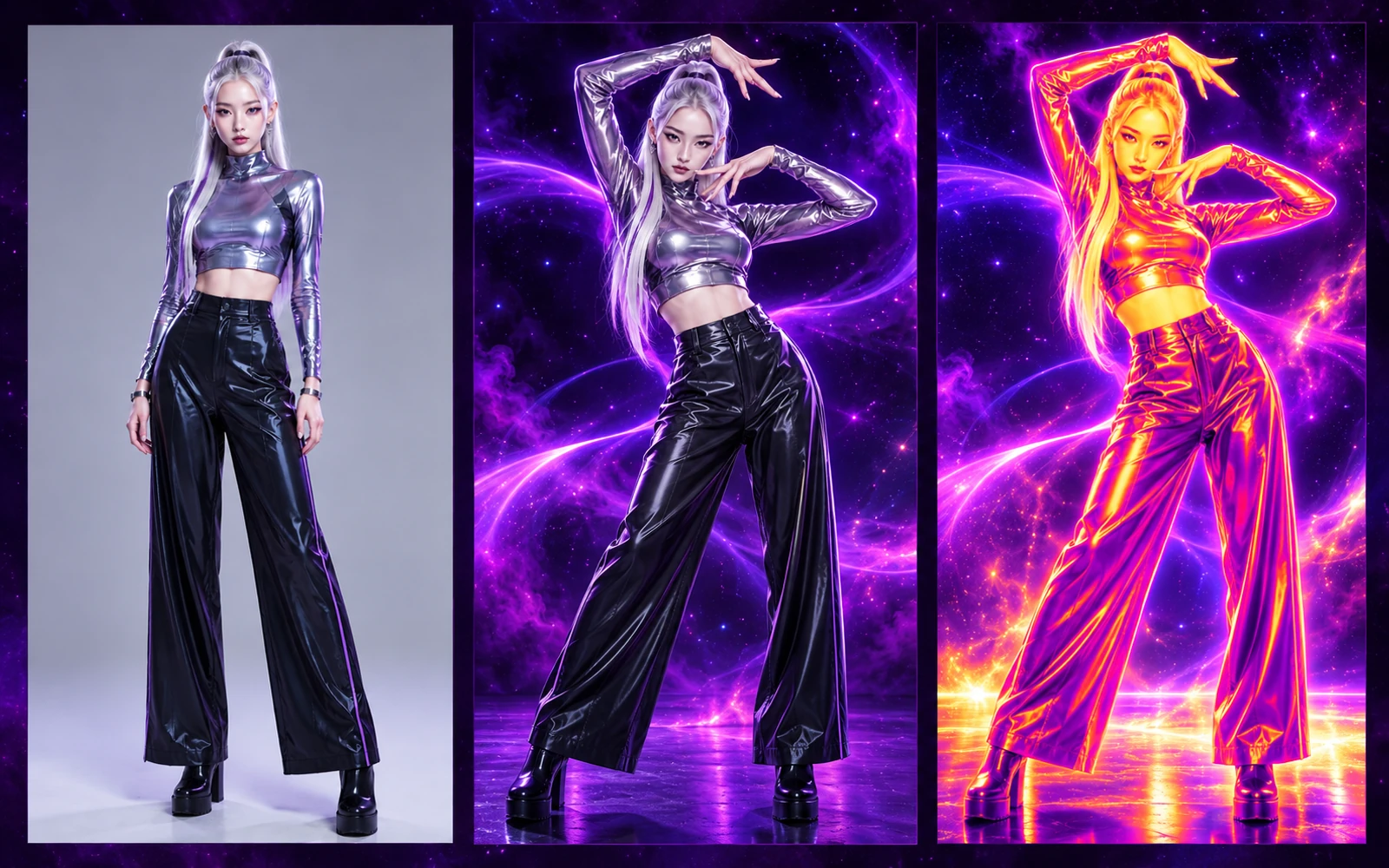
Concept illustration in three panels: a character's photo, the same character dancing in natural colors, and the same dance in thermal-camera colors
Concept illustration of the idea: a photo, a dance, and the thermal-camera look of the vogue moment. It is not a real generated result, and your own video can look different.

1. Upload one photo

Pick a clear photo of one person. Full body works best. You can swap it before paying.

2. Choose the Kai'Sa Vogue template

The template holds the movement; your photo supplies the person.

3. Pick a package and pay on the same page

Choose Starter, Creator or Pro and pay with Apple Pay, Google Pay, Link or card. Checkout opens right here.

4. Generate, preview and download

Your photo-to-dance AI video appears right on this page. Watch it, then tap Download MP4.

5. Post it, song included

Your MP4 already has the FIRESTARTER song synced to the dance, so you can upload it to TikTok, Reels or Shorts as is.

Want your post on the trend's sound page? In TikTok, turn the original sound down and add the official FIRESTARTER sound instead. Your video then appears alongside everyone else using that sound.

Posting tips for TikTok and Reels

  • Start the clip on the first pose so viewers see movement immediately.
  • Keep captions short and leave the bottom of the frame clear for on-screen text.
  • Post the AI version next to your real attempt; it makes a fun before-and-after.
  • Name K/DA FIRESTARTER in your caption so fans of the song can find your post.
Start With One Photo

The Kai'Sa Vogue Dance, Made From Your Photo

Each K/DA member gets a moment in the FIRESTARTER music video, but fans keep looping Kai'Sa's FIRESTARTER dance, making the Kai'Sa vogue dance the most replayed—and most clipped—moment of the release.

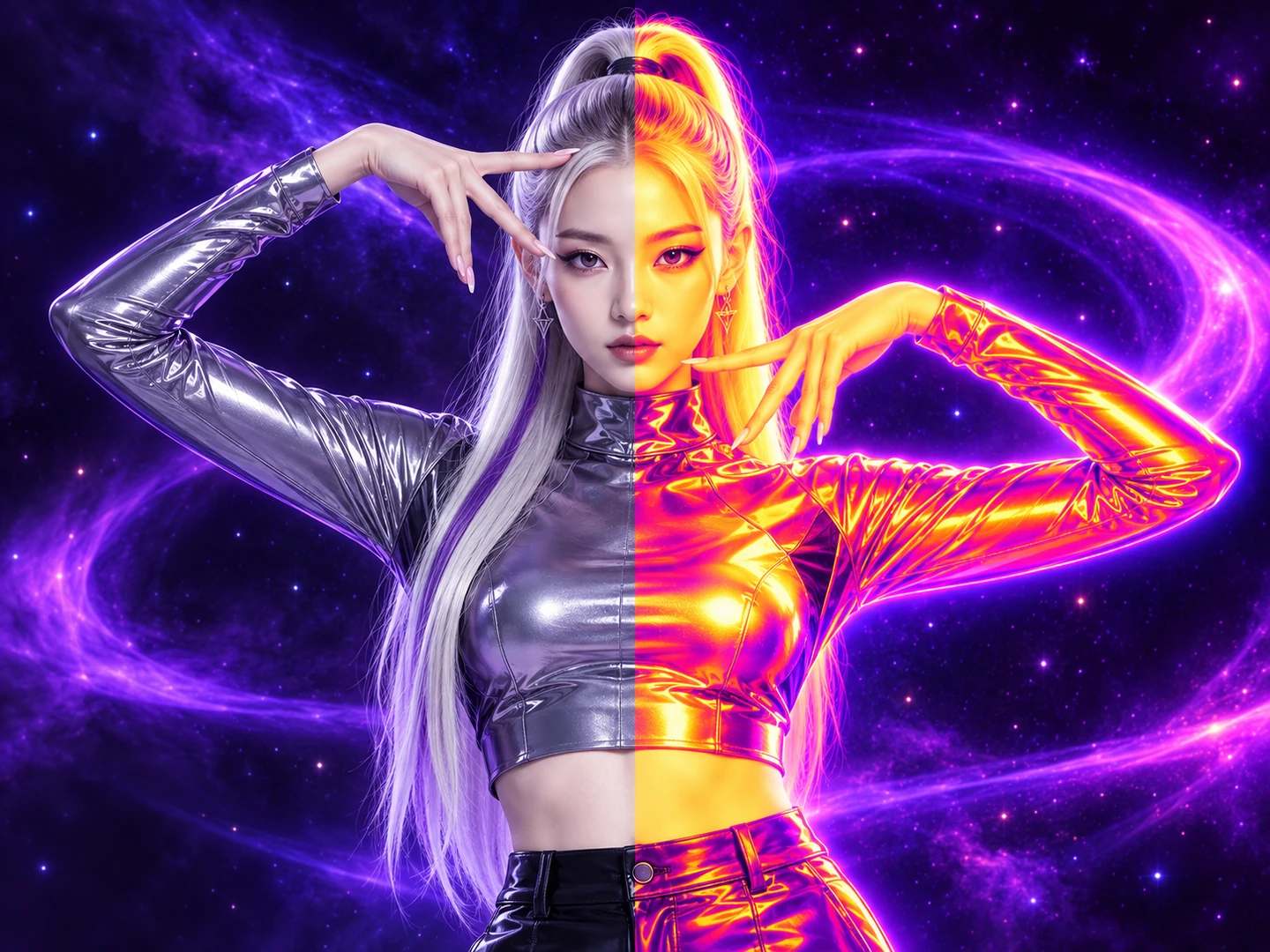
Concept illustration of one dance pose split down the middle: natural colors on the left, thermal-camera colors on the right
Concept illustration of the thermal-camera look in the vogue moment. It is not a real before-and-after from this tool.

What makes the vogue part stand out

Vogue, born in ballroom culture, is built on sharp, graphic poses. Kai'Sa's section turns it into a quick pop-idol moment through three things:

  • Arm frames. Crisp angles that box the face and body.
  • Hand detail. Wrists and fingers finish every shape.
  • Hits on the beat. Poses snap into place like freeze-frames.

Why it works so well as an AI dance video

Its impact lives in the arms, hands and head angles, which a photo-to-dance model follows convincingly from one image, unlike spins or floor work. That's why it's our first template.

Read the Kai'Sa Dance AI guide →

Want to Learn the Real FIRESTARTER Dance?

Want to learn the moves yourself? Start here.

About the KDA Firestarter choreography

FIRESTARTER—K/DA's new 2026 song and long-awaited comeback single—dropped on October 19, 2026, with MIYEON and SOYEON of i-dle, Sophie Powers and Mimi Webb on vocals. Fortiche animated the music video, and the choreography is by Sean Bankhead. Riot also released an official choreography video by Sean Bankhead and NARIA.

Practice with a mirrored video

Using a KDA Firestarter dance mirror video makes learning much faster—and the official choreography video is already mirrored. You copy the dancers directly, without flipping moves in your head.

A simple way to practice

  1. Watch the vogue section at full speed a few times.
  2. Slow it to 0.5x and learn the arm shapes before the footwork.
  3. Practice in eight-count chunks.
  4. Film yourself and compare.

That's a quick KDA Firestarter dance tutorial in four steps. For a closer look at the poses in Kai'Sa's part, from the arm frames to the hand details, read our Kai'Sa guide.

See Kai'Sa's vogue moves up close →

Tip: Not ready to film yet? Post the AI version as a teaser, then follow up with your own KDA Firestarter dance cover.

Best Photos for an AI Dance Video

Your photo decides most of the result.

Do

  • Use a full-body shot. Head to feet in frame, with a little space around you.
  • Face the camera. Front-on or slightly angled.
  • Keep your arms visible. Not crossed or behind your back.
  • Use even light. No harsh shadows.
  • Pick a simple background. A plain wall keeps edges clean.
  • Wear fitted clothes. They move more naturally than loose fabric.
  • Shoot at chest height. Extreme angles distort proportions.

Don't

  • Upload group photos (the tool animates one person)
  • Use heavy filters, beauty effects or stickers over your body
  • Crop off your hands, feet or arms
  • Use blurry or low-resolution images
  • Hold bags or drinks in front of your body
  • Upload anyone who hasn't agreed to be animated

Can I use a cosplay photo?

Yes, if it's your own photo of one clear, full-body figure.

Upload My Photo

Pricing: Pay Once, No Subscription

KDA Firestarter Dance AI pricing is simple: a one-time cost per pack. There are no free generations, but also no subscription, so you're never charged again unless you buy more. Tax is already included, and credits never expire.

Starter: $9.90

1 AI dance generation

Perfect if you just want one FIRESTARTER video.

Creator: $19.90 (Recommended)

3 AI dance generations · about $6.63 each · save about 33%

Try different photos and outfits.

Pro: $39.90

8 AI dance generations · about $4.99 each · save about 50%

For creators who post often.

One-time payment · Tax included · No subscription · Upgrade anytime

Upgrade by paying only the difference

Want more? Just pay the difference:

  • Starter → Creator: $10.00 (+2 generations)
  • Starter → Pro: $30.00 (+7 generations)
  • Creator → Pro: $20.00 (+5 generations)

You can upgrade anytime, even after using all your generations.

How to pay

Apple Pay, Google Pay, Link or card, right on this page. Prices are in USD; your bank may add a conversion fee.

KDA Firestarter Dance AI: FAQ

Is KDA Firestarter Dance AI free?

No. There are no free generations or trials. The lowest price is a one-time $9.90 (tax included) for one video, and you can watch real examples before buying.

Is this a TikTok or CapCut filter?

No. It isn't a sticker, beauty filter or live AI filter. It's a full-body, motion-driven AI video generator that animates your photo with the Kai'Sa vogue dance. Export the MP4, then post it to TikTok like any other video.

Does the video include the FIRESTARTER song?

Yes. Your MP4 comes with the matching part of the FIRESTARTER song, synced to the dance. You can post it straight away.

Can I use the official FIRESTARTER sound in TikTok or CapCut instead?

Yes. In TikTok, upload the MP4, tap Add sound, pick the official FIRESTARTER track and turn the original sound down to zero. In CapCut, import the MP4, mute the clip's own audio, then add the track under Audio and trim it so the first pose lands on the beat.

Is this an official K/DA or League of Legends tool?

No. This is an independent fan-made tool. It isn't affiliated with, endorsed by or sponsored by Riot Games, League of Legends, K/DA, Fortiche or any of the artists.

What do I get, and in what format?

A 16:9 MP4 (720p, 12 seconds) with the FIRESTARTER song. Post it as is, or crop it to vertical in CapCut for TikTok, Reels and Shorts.

What happens if a generation fails?

Credits are only used when a video is delivered. Failures and timeouts return the credit automatically; payment problems are handled under our refund policy.

Can I get a refund?

If your video wasn't delivered, yes; see our refund policy. Delivered videos can't be refunded for style preference, so check the photo tips first.

What happens to my photo?

Your photo is used only to create your video, and uploaded photos are automatically deleted after 24 hours. Videos are private by default and never shown publicly without your permission.

Can I use an anime or pet photo?

The template is built for one human figure. Full-body anime art may work but is less predictable. Pets aren't supported.

Can I make a group or duo video?

No, one person per video. For a duo post, make one video each and place them side by side in CapCut.

Do credits expire?

No. Credits never expire.

Do I need an account?

You don't need to sign up. Just enter your email when you buy credits or generate. We set up your account from it, with no password and no verification code. Your credits and videos stay with that email.

More KDA Firestarter Dance Guides

KDA Firestarter Dance AI is an independent fan-made tool. It is not affiliated with, endorsed by or sponsored by Riot Games, League of Legends, K/DA, Fortiche or any of the artists involved. Trademarks belong to their owners.