KDA Firestarter Dance AI

Your photo

Akali Rap Verse: FIRESTARTER

720p MP4 · 16:9 or 9:16 · FIRESTARTER song included

JPG, PNG or WEBP · One person · Full body works best · Photos auto-deleted after 24 hours

Aspect ratio

KDA Firestarter Akali AI Rap Video

How it works

  1. 1

    Upload a photo

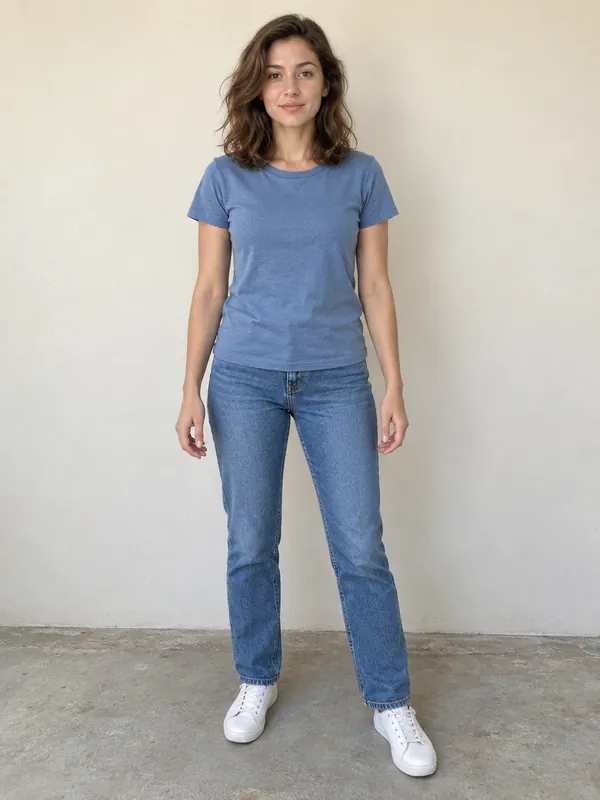
    One clear photo of one person. Full body works best.

  2. 2

    Click Generate

    We build your character, then render the dance.

  3. 3

    Download your dance

    Choose a landscape 16:9 or vertical 9:16 MP4 with the FIRESTARTER song.

Akali rap verse template for KDA Firestarter Dance AI

KDA Firestarter Akali AI Rap Video: Take Akali's Verse From One Photo

Akali packs a lot into those eight seconds of the K/DA FIRESTARTER MV. Upload one photo of yourself for a KDA Firestarter Akali AI rap video: you walk toward the camera, work through the hand gestures, point down the lens and finish on a close-up. The FIRESTARTER song is already added, and you keep your own look on screen: your face, your hair, your makeup and your outfit.

From $9.90 USD · Tax included · One-time payment · See real results ↓

One photo in, one MP4 out in your choice of landscape 16:9 or vertical 9:16. The homepage generator is right here, with Akali's verse already selected. Uploading, choosing a package, paying, watching your result and downloading all work the same way, and your credits work across templates. KDA Firestarter Dance AI is a fan-made tool that runs in your browser, with no app to install and no account to create.

Home › KDA Firestarter Akali AI Rap Video

Akali Rap Video Results From Real Photos

These are unedited results from real photos, shown next to the photo each one came from. Each video starts muted. Press play and unmute to hear the FIRESTARTER song.

Full-body photo, plain wall behind. Outfit and hair kept as they were.
Example coming soon
Darker outfit, indoor light. The pointing gesture comes near the end.
Example coming soon
Half-body photo. The legs are filled in by the AI, so the walk looks less exact.

What to look at when you compare:

  • The face in the final close-up, where a clear source photo makes the biggest difference.
  • The hands during the gestures. If your photo shows empty hands, the video usually keeps them empty.
  • The outfit from the side and back, based on the front, side and back views built from your single photo.

We add results here only with permission from the person in the photo, and we don't retouch them.

What the FIRESTARTER Akali Verse Looks Like

K/DA came back on October 19, 2026 with FIRESTARTER, and Akali's lines are voiced by SOYEON. The template on this page follows Akali's part from about 0:42 to 0:50 in the MV on YouTube ↗. It's short, but a lot happens in it, and every move is easy to read on a phone screen.

The moves, beat by beat

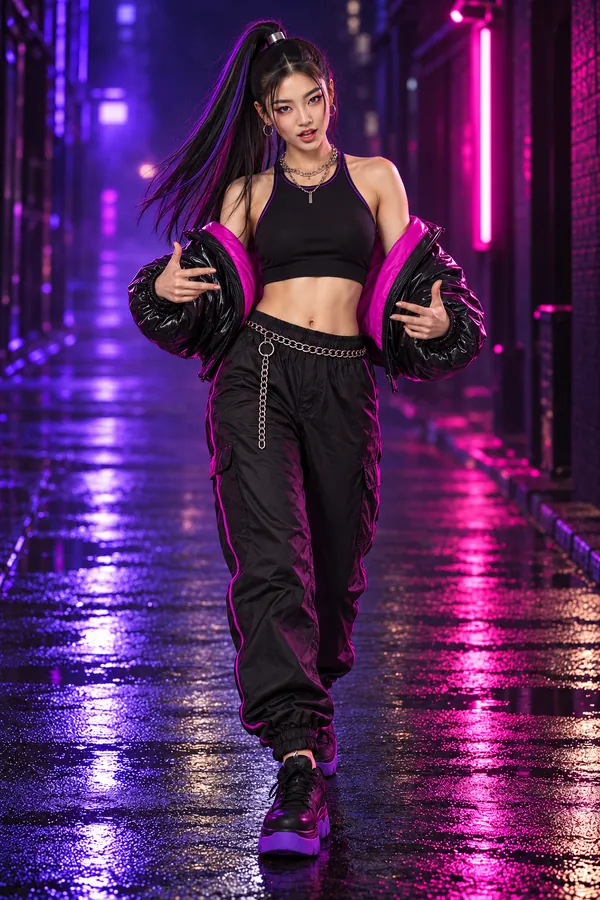
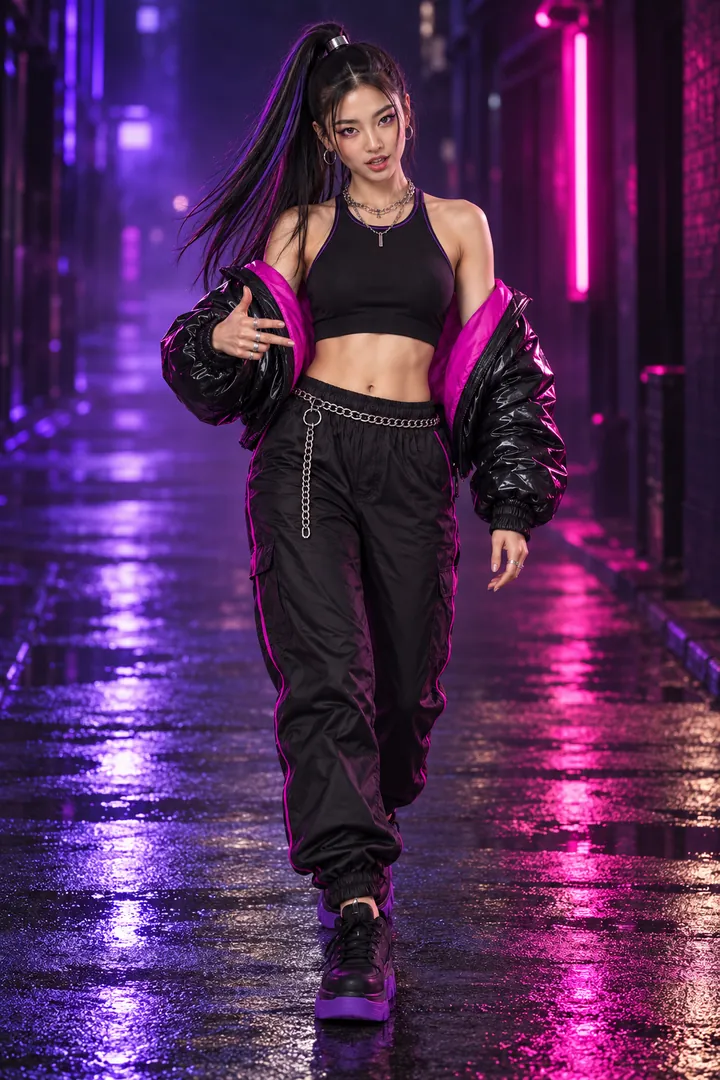
  • The walk-in. Akali walks straight toward the camera, rapping and talking with her hands.
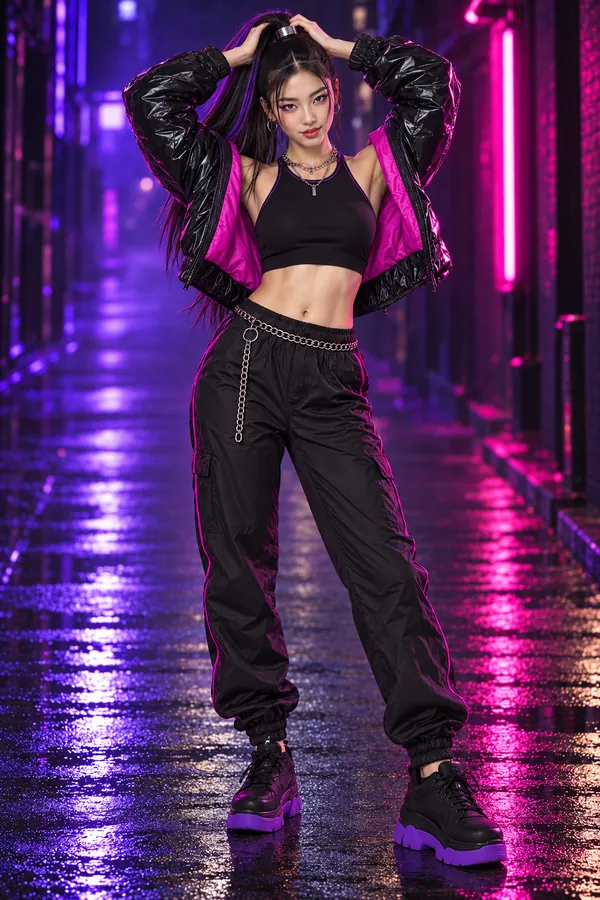
  • Arms up. One arm goes up, then both hands go to the head.
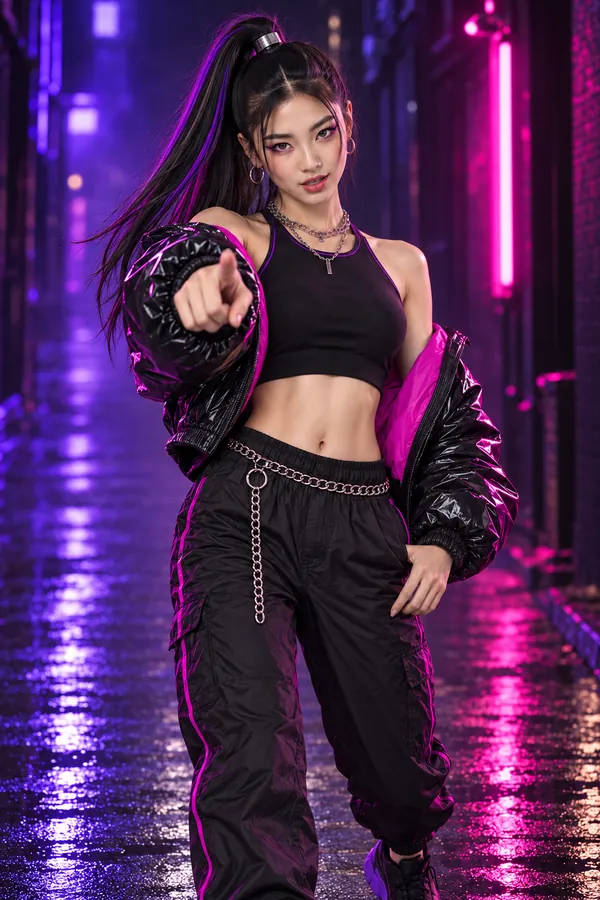
  • The point. A finger points straight down the lens, right at the viewer.
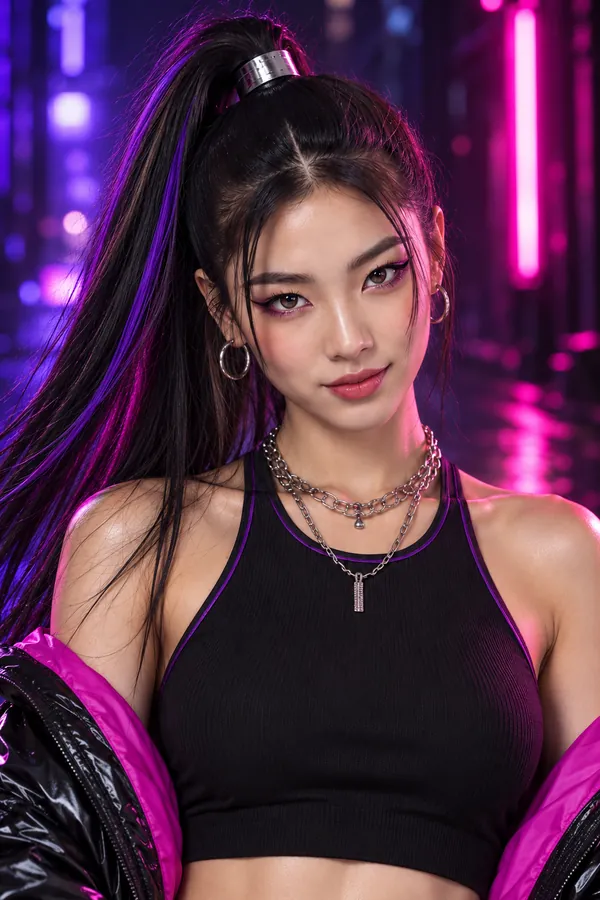
  • The close-up. The camera moves in tight on the face, then cuts away.

In your KDA Akali rap video, those are your moves. The AI follows the movement and camera work while keeping your own look. You won't get Akali's outfit, hat or mask unless you're wearing something like it in your photo.

Akali's verse, not Kai'Sa's part

FIRESTARTER has more than one viral moment. This page is only about Akali's rap. If you came for Kai'Sa's choreography instead, head to the Kai'Sa Dance AI page →. Both use the same upload, the same packages and the same credits, so you can make one of each from the same photo.

The walk-in. Akali walks straight toward the camera, rapping and talking with her hands.
Concept illustration, not a generated result.
Arms up. One arm goes up, then both hands go to the head.
Concept illustration, not a generated result.
The point. A finger points straight down the lens, right at the viewer.
Concept illustration, not a generated result.
The close-up. The camera moves in tight on the face, then cuts away.
Concept illustration, not a generated result.

How the AI Rap Video Is Made From One Photo

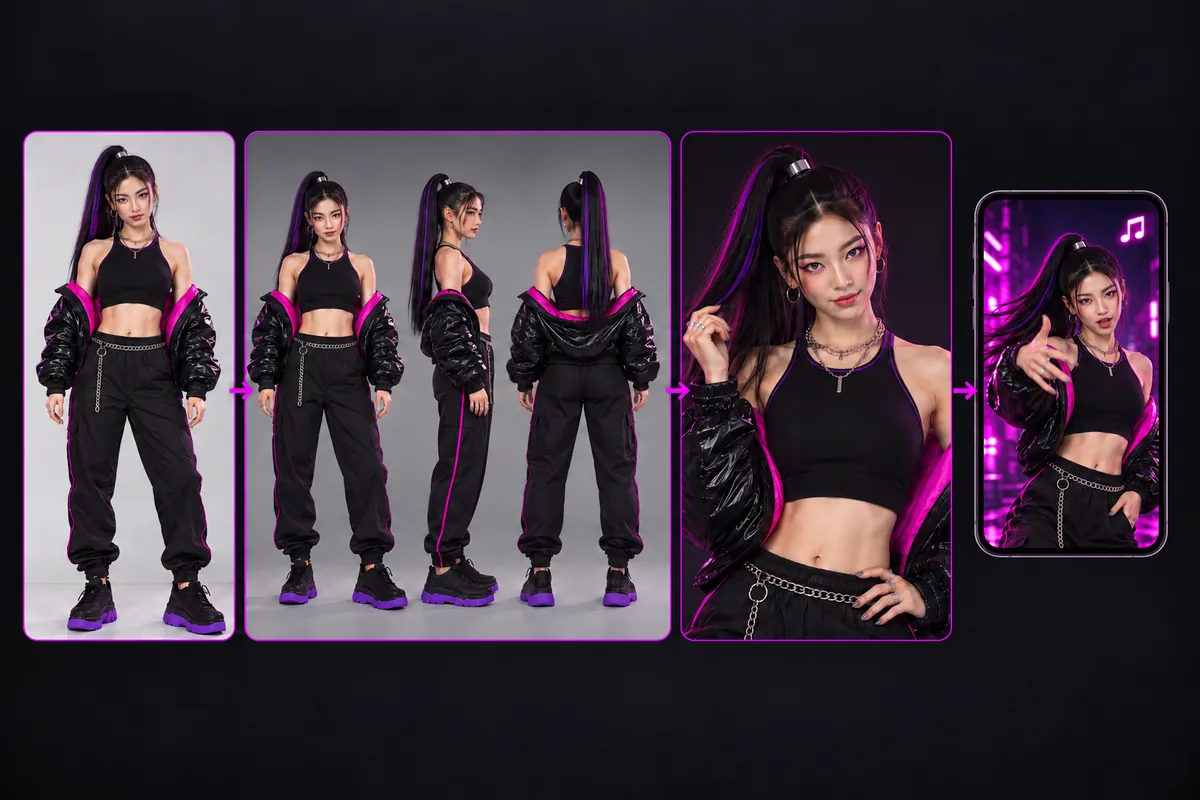
You upload one picture. Behind the scenes, the tool needs to know what you look like from more than one angle, because Akali's part has you turning, raising your arms and moving close to the lens.

  • A turnaround image. From your single photo, the system builds a sheet that shows your look from the front, side and back, so your outfit stays consistent when you turn.
  • A half-body image. A closer view of your face and upper body, so the close-up at the end still looks like you.
  • The video. The model then generates the roughly eight-second clip, following the moves and camera of Akali's verse in your chosen landscape 16:9 or vertical 9:16 frame.
  • The song. Finally, we add the matching part of the FIRESTARTER song in post, so the MP4 is ready to post with sound.

You don't have to do anything between these steps. The generator shows its progress while it works, and the finished video appears right where you uploaded your photo, ready to watch and download.

What it does and doesn't do

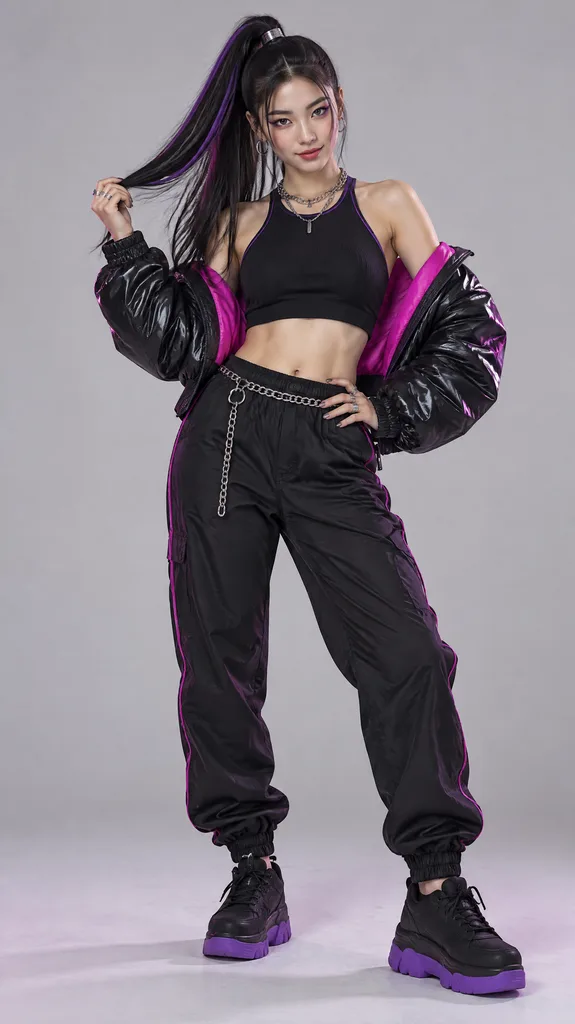
  • It keeps your face, hair, makeup and clothes. It doesn't turn you into the animated character.
  • It follows Akali's moves and camera work. It doesn't promise that your mouth matches every word of the lyrics.
  • It makes one person per video, from a photo. It doesn't accept videos, group shots or pets.
How the AI Rap Video Is Made From One Photo
Concept illustration, not a generated result.

The Best Photo for an Akali Rap Video

The photo decides most of the result. Here's what helps.

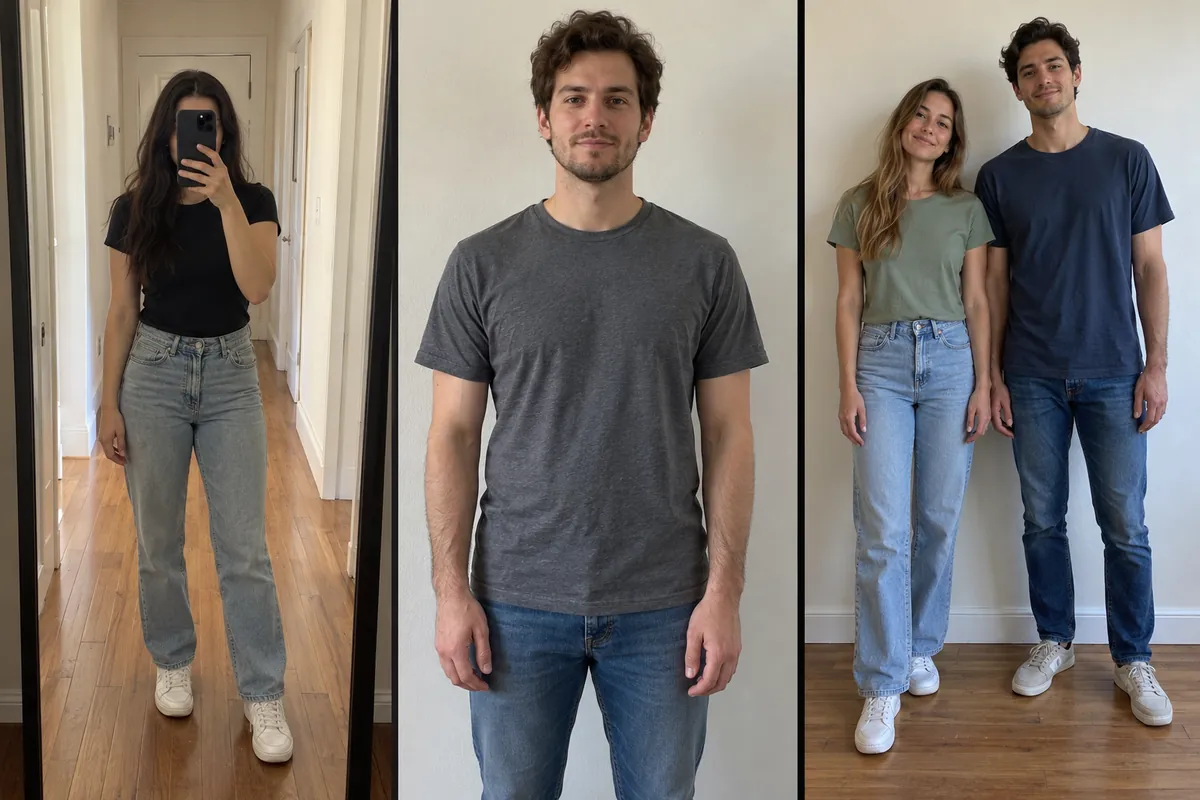
  • Full body, head to toe. The verse starts with a walk, so the AI needs your legs and shoes. A half-body photo works, but the legs get guessed.
  • Face clearly visible. The verse ends on a close-up. Skip sunglasses and heavy shadows, and face the camera.
  • Empty hands. Put your phone, drink or bag down. Anything you hold may show up in every frame.
  • Arms away from the body. A small gap between your arms and your sides helps the AI see your outline.
  • One person only. Crop out friends and people in the background.
  • Good light, plain background. Daylight or a bright room, in front of a simple wall.

Want more of the MV's atmosphere? Dark clothes, a hoodie or a cap give the clip more of that night-out mood, but they're optional. Bring your own style: a bright outfit works with these moves too.

Photos that usually go wrong

Mirror selfies with the phone covering your face, sitting poses, heavy filters and very busy backgrounds tend to give blurry or broken frames.

Good photo: full body, face visible, empty hands, plain background
Concept illustration, not a generated result.
Bad photo: holding a phone, cropped legs, two people
Concept illustration, not a generated result.

Make Your Akali Rap AI Video and Post It

To make your Akali rap AI video, follow these four steps:

  • Upload. Upload your photo in the generator above. The Akali template is already selected.
  • Check. Look at the crop preview and choose another photo if your head or feet are cut off.
  • Pay once. Choose a package and confirm your payment. Tax is already included.
  • Download. When the video is ready, watch it on the page and save your landscape 16:9 or vertical 9:16 MP4 to your phone.

Posting on TikTok, Reels or Shorts

The MP4 already has the FIRESTARTER song on it, so you can post it as it is. If you'd rather use the platform's version of the song, upload the MP4, add the sound from the sound menu, and set the original audio to zero.

Editing in CapCut

Import the MP4, mute the clip, add the song from the audio menu and line up the walk-in with the beat. You can also put your source photo before the video as a before-and-after, so viewers can see the change from photo to video.

Label it as AI

TikTok asks creators to label realistic AI-generated content. Turn on the AI-generated content setting when you post.

Make My Akali Rap Video

Pricing: Pay Once, No Subscription

There are no free generations, but there's no subscription either. Every price is in US dollars, tax included, and credits never expire. The same packages work for every template on the site, Akali's verse included.

Starter: $9.90 USD

1 generation

For making one Akali rap video.

Creator: $19.90 USD (Recommended)

3 generations · about $6.63 USD each · save about 33%

For trying a few photos or outfits.

Pro: $39.90 USD

8 generations · about $4.99 USD each · save about 50%

For regular posting, or making clips with friends one by one.

One-time payment · Tax included · No subscription · Upgrade anytime

Upgrade by paying the difference

  • Starter → Creator: $10.00 USD (+2 generations)
  • Starter → Pro: $30.00 USD (+7 generations)
  • Creator → Pro: $20.00 USD (+5 generations)

How to pay

Apple Pay, Google Pay, Link or card. Your bank may add a currency conversion fee if your card isn't in US dollars.

KDA Firestarter Akali AI Rap Video FAQ

Is it free?

No. There's no free generation or trial. The lowest price is $9.90 USD for one video, paid once. You can watch the results above before you pay.

Will my mouth match the lyrics?

Lip sync hasn't been verified, so we don't promise that your mouth will match the lyrics. The video follows the moves, gestures and camera work of Akali's verse, with the FIRESTARTER song added afterward.

Is this an official K/DA or League of Legends tool?

No. It's an independent fan-made tool, with no link to Riot Games, K/DA or the artists. Every KDA Firestarter Akali clip made here is your own fan edit.

Is this the same generator as the homepage?

Yes. It's the same upload, the same packages and the same credits as the homepage. This page simply opens with the Akali template selected, so credits you buy here also work for the other templates on the site.

How long is the video, and in what format?

About eight seconds, the length of Akali's part, as a landscape 16:9 or vertical 9:16 MP4, whichever you choose, with the FIRESTARTER song.

Will I look like Akali?

No, and that's on purpose. You keep your own face, makeup and outfit. Only the moves and camera come from the verse.

Can I make the AI rap video with my own lyrics or voice?

No. This AI rap video uses Akali's part of the FIRESTARTER song only. It doesn't write lyrics or clone voices.

What if the generation fails?

The credit goes back to your balance automatically. Undelivered orders can be refunded. Once a video has been delivered, a refund isn't available simply because you don't like the result.

What happens to my photo?

It's used only to make your video. Your photo and the turnaround and half-body images made from it are deleted after 24 hours. Videos are private by default.

Can I upload two people, a pet or a video?

No. One person per video, from a photo only. The template is made for a human body.

Do I need an app or an account?

No. It runs in your browser, on a phone or a computer. Your purchase is linked to the email you pay with.
More KDA Firestarter Guides

KDA Firestarter Dance AI · One photo, one verse, ready to post.

Privacy · Terms · Refund Policy · Contact

KDA Firestarter Dance AI is an independent fan-made tool. It is not affiliated with, endorsed by or sponsored by Riot Games, League of Legends, K/DA, Fortiche or any of the participating artists. All trademarks and characters belong to their respective owners.

© 2026 kdafirestarterdanceai.com